This is the last issue before I head off to Windsor and do a 50 KM walk this coming weekend. I’m walking with a friend in memory of loved ones we’ve lost to cancer, and in support of those close to us currently fighting the disease. Every step we take is to raise funds for Cancer Research UK, to help bring hope and life-saving breakthroughs to people affected by cancer. So many of you have donated, and your support means the world—every donation helps us get closer to a future without cancer. If any of my content has helped you over the years and you feel inclined to show your support, you can donate here: Fundraising for Cancer Research UK
As always, if you spot anything you think would be worth a mention, just let me know by sending a message via the online contact form using the navigation link above. Always good to know of others posting about D365 Marketing or if you see anything else other marketers should know about.
Now let’s get on with the newsletter!
D365 Marketing
April 2026 update
The April release from Microsoft is here! This is release 1.1.64196.86 and contains one item right to General availability, 2 in Preview, and 2 items as Monthly Enhancements. Make sure you check it out and be sure to register for the webinar Amey Holden and I are doing next week covering the items in the release
HELP! My Segments Have Expired In Customer Insights – Journeys
It was a little ‘feature’ introduced in the February 2026 release for Customer Insights – Journeys, and one that has probably gone by un-noticed by many users, but is slowly starting to pop up as a surprise to people. If you don’t use a segment for 30 days, it will be made expired. You haven’t lost it, but lord it can cause confusion! This post will walk through the logic from Microsoft, and how you can get it back and start using it again. Definitely one for you to be aware of if you are using Customer Insights – Journeys!

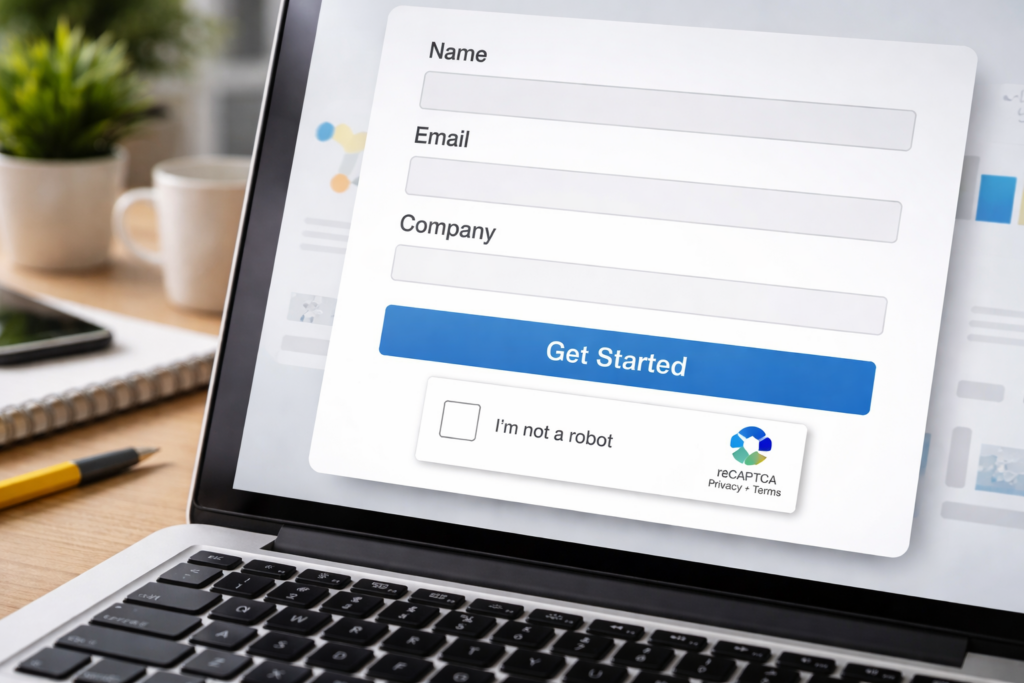
ReCAPTCHA V3 and Cloudflare Turnstile for Customer Insights - Journeys Forms
In the February 2026 update for Customer Insights – Journeys, built‑in Google reCAPTCHA for Marketing & Event forms was announced, HIP captcha was also announced for deprecation in March 2026 and will be fully removed from all Customer Insights ‑ Journeys forms by June 30, 2026. This post from Amey Holden will show you some options on how you can implement Google ReCAPTCHA v3 or Cloudflare Turnstile for Customer Insights – Journeys forms. You can do one or the other so skip irrelevant sections based on your bot protection method of choice!
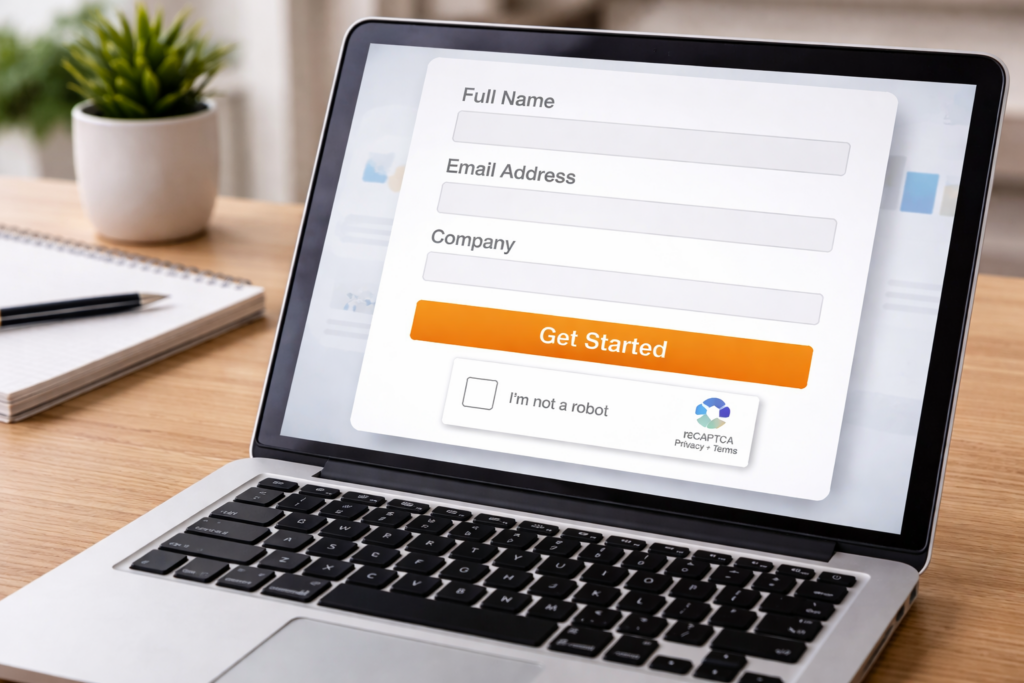
Customer Insights Journeys CAPTCHA Integration
Let’s give George Doubinski his dues, as he created the scripts used in the blog from Amey above. This goes right to the GitHub page with the GitHub Captcha solution for Customer Insights Journeys. Supports Google reCAPTCHA v3 and Cloudflare Turnstile. George has provided the managed solution with everything you need so you can download and get started right away if you want to use one of the other reCAPTCHA solutions out there.
“Can I Bring Someone?” - Solving Plus-One Waitlisting in Customer Insights Journeys (Part 2)
Martin wrote Part One for us a few weeks ago, and now we have Part Two of how you can solve the issue of adding plus ones to event registrations. Handling waitlisted registrations can be straightforward, but once we involve companions, it can quickly become tricky. Because what can we do with 2 registrations? how do we communicate the client that we have only place for one? Do we allow them to cancel one of the registrations? Check this out to find out how Martin handles these scenarios.

Troubleshooting: Fix email rendering issues
Rendering emails exactly as designed is critical for protecting the company’s brand. However, email clients vary widely in how they interpret standard HTML. To address these differences, the email designer applies a post‑processing step that modifies the HTML to work around known limitations in various email clients. This article from Microsoft documents known limitations and recommended mitigations. As email clients evolve, some issues may get fixed or new issues may be introduced anytime. We’ll update this article as we learn about these changes.

Events
Marketing Journeys – Real-time Chats – April Webinar
We’ve got our next webinar planned! Amey Holden and I will talk through the April 2026 release for Customer Insights – Journeys, plus talk through anything fun we’ve been working on. We’ll also answer your questions if you have them! You’ll have the chance to join virtually, post your comments & questions, and be part of the conversation as we dive into new monthly features and share what they have been working on.

Other Content
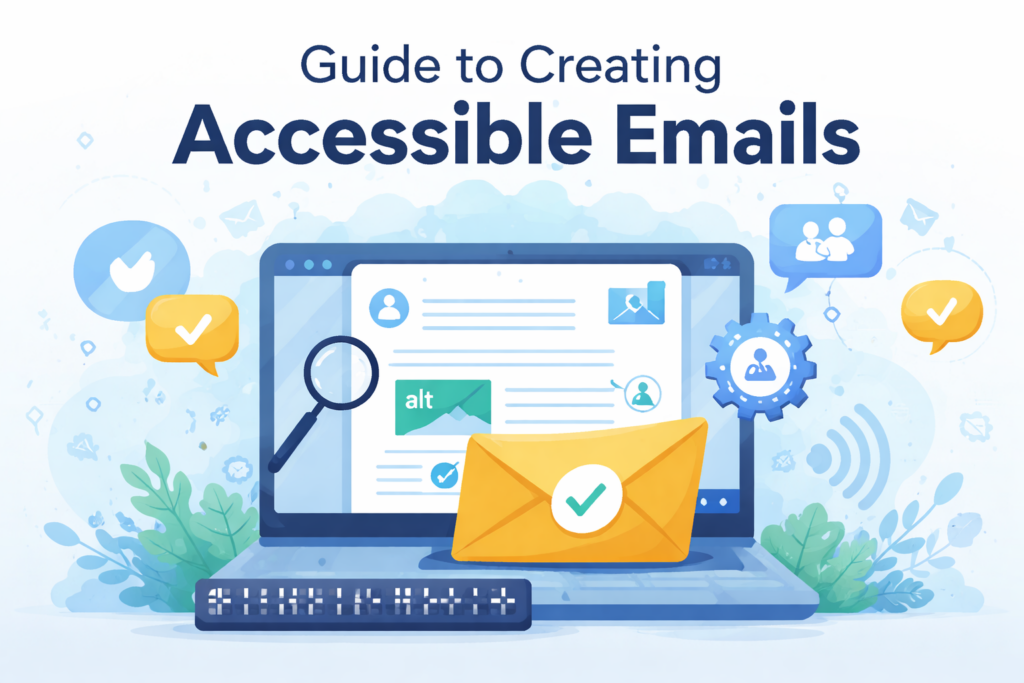
2026 Guide to Creating Accessible Emails
Accessibility is one of the founding pillars of user experience and design. Email accessibility means making sure that everyone can read, understand, and interact with your message, including people with disabilities and those who use assistive devices. A great guide and article from Litmus on learning how to make your emails more accessible for all of your subscribers.